

Vibe Coding Course by Initium Learning: Get fluent in everyday AI. Then build your own tools.

A 6-week live online course that takes you from "I use ChatGPT sometimes" to "I build my own tools". No coding background needed.

6 weeks · 36 hours3 live sessions a week100% onlineCourse completion certificate
A learner taking notes while working on a laptop at home
A smiling young developer holding up a sticky note that says CODE
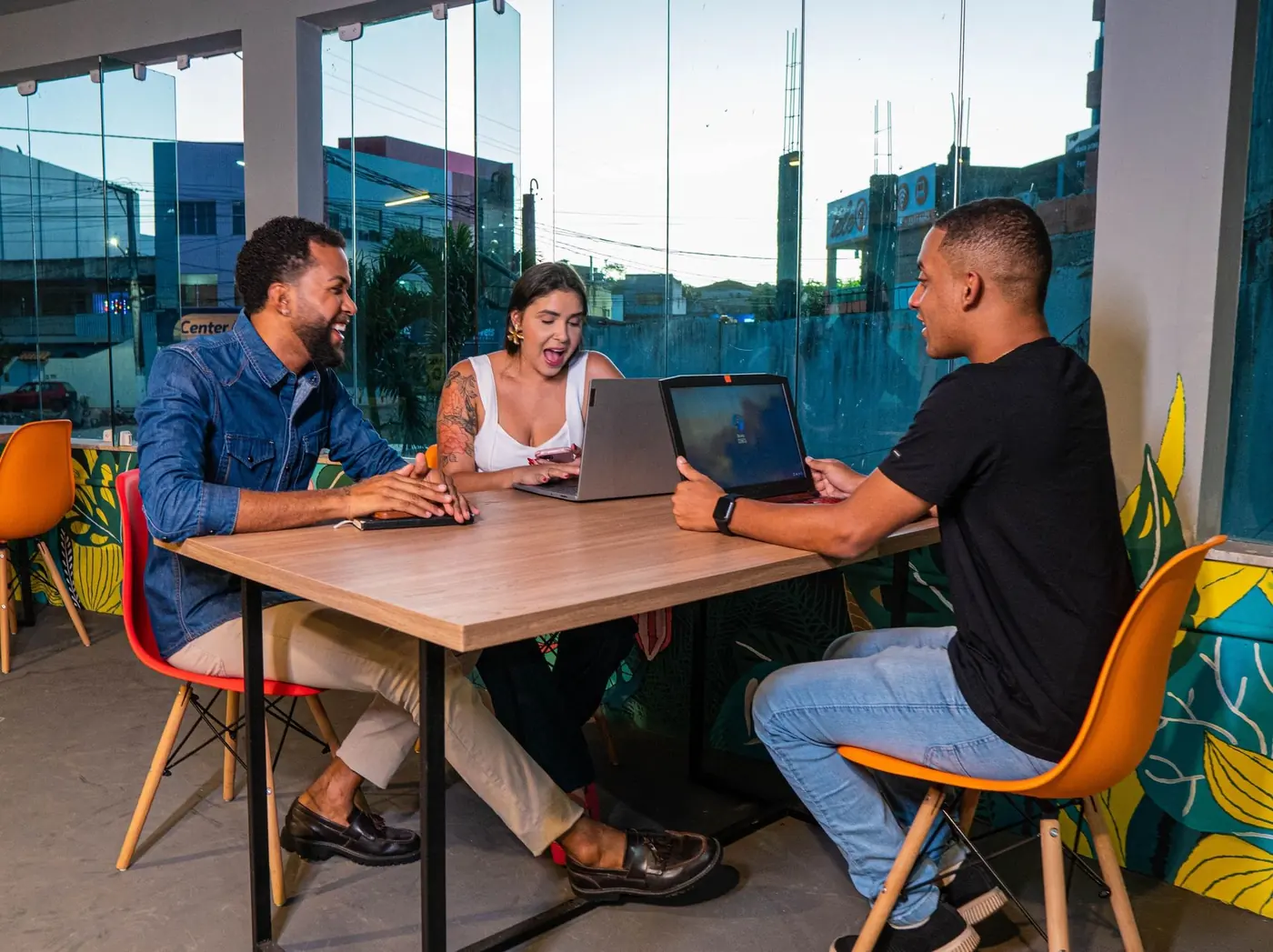
Three students working together on laptops at a table
Live class
IDEATrack my team's leave requests
WHOManagers approve, team sees status
MUST HAVESimple form + a list with status
✦AI assistant
Build a leave tracker from these notes.
  • Reading your notes
  • Planning the screens
  • Writing the app
  • Ready to share
team-leave.app
Team leave+ Request
AllPendingApproved
Riya · 14–15 OctApproved
Aman · 20 OctPending
Meera · 2–4 NovApproved
You
Mentor
ClaudeChatGPTGeminiClaude in ExcelClaude in PowerPointLovableClaude CodeCursor AI IDE
About the course

What is this Vibe Coding Course?

Initium Learning's Vibe Coding Course is a 6-week live online course that teaches beginners, students and working professionals to use generative AI and AI-assisted development tools to build websites, applications and practical workflows. You don't need a programming background. The course covers AI fundamentals, prompting, AI in workplace tools, vibe coding, application development and hands-on projects, ending with a capstone you present.

Initium Learning is based in Pune, India, and runs this course live online, so you can join from anywhere.

Training a team? See our corporate AI and SAP training.

Your story

Tell us what you do. We'll show you what AI does for it.

Who are you?

Just show me the course
If you're a finance professional

Month-end close, minus the midnight.

Today

Month-end means late nights reconciling numbers, chasing variances and writing management commentary by hand.

With AI
  • Reconcile accounts and explain variances in plain language
  • Draft management commentary from your own numbers
  • Build and check Excel models with AI alongside you
Variance · March
Travel+18%Conference season
Software+9%Annual renewals
Rent0%No change

What changesClose takes days, not a week. Reports drafted in minutes.

You could build

A variance-explainer bot that reads the ledger export and writes the commentary.

Learn to build it

A learner typing code on a laptop, with a website open on a second laptop
For college students

Build real things while you're still in college.

Build real projects for your portfolio and a skill that sets your resume apart. Learn alongside other students and working professionals, live.

  • Two deployed projects and a capstoneA landing page, a working app and a final project you present.
  • Live sessionsThree live sessions a week, so you can learn alongside college.
  • Course completion certificateFinish the six weeks and your capstone to receive it.
Join the waitlist
How you learn

Learn the way real work actually happens.

01

Live, not recorded

Three live sessions a week, two hours each. Ask questions while you build, not in a comment thread.

02

Hands-on every week

Each week ends with a Practice Opportunity: a hands-on task you apply to your own work.

03

Never stuck alone

Between sessions, get help from your cohort and mentors in the WhatsApp community.

What you get

From everyday AI to tools you built yourself.

Weeks 1–2

Everyday AI, done well

Prompting that works, plus AI inside Excel, reports and PowerPoint for visible wins at work.

Weeks 3–5

Build and ship apps

Vibe coding with Claude Code or Cursor: a landing page, then a working app with an API and a database.

Week 6

A capstone to show

Refine an app for a domain you choose, document it and present it, then earn your course completion certificate.

Who it's for

Built for people who aren't developers.

Working professionals

Finance, operations, marketing and HR. Get visible, everyday wins in Excel, PowerPoint and your daily workflows.

Students & early-career grads

Build real projects for your portfolio and a skill that sets your resume apart.

SAP learners & alumni

Add AI fluency to your SAP skill set: the AI-fluent consultant of 2027.

Small business owners

Build small internal tools and automations without hiring a developer.

Project playbooks

Explore what you could build

Ideas from eight different jobs. Pick one as your capstone, or bring your own.

  • Ledger exportVariance notes
    Commentary
    Finance

    Variance-explainer bot

    Reads the ledger export and writes the management commentary.

  • GST noticeClient query
    Draft reply
    Chartered accountants

    Notice-reader agent

    Classifies and summarises notices, then drafts the first response.

  • Lead listCompany news
    Call brief
    Sales & marketing

    Lead-research agent

    Preps a one-page brief before every sales call.

  • My notesSyllabus
    Quiz me
    Students

    Study-buddy bot

    Trained on your own notes and syllabus, so it quizzes you on what matters.

  • Stock sheetDispatch log
    Daily digest
    Supply chain

    Stock-and-delay digest

    A daily agent that flags the orders and items that need action.

  • SyllabusClass level
    Worksheet
    Educators

    Worksheet generator

    Worksheets and feedback aligned to your own syllabus.

  • Functional specConfig notes
    Test cases
    SAP consultants

    Spec-to-test-case agent

    Turns project documentation into test cases you can review.

  • Customer FAQsOrder log
    Enquiry bot
    Business owners

    Customer-enquiry bot

    Answers customers, logs each enquiry and escalates the tricky ones.

Inside the course

Everything you need to build with AI

Each week adds one skill and ends with something real you made.

Week 1

Prompt like a professional

Learn how generative AI works, set up and compare AI tools, and practise prompting principles like context and clear instructions.

See Week 1
AI assistant

Role: research assistant. Task: summarise these 3 vendor emails as a table of vendor, action and due date.

Done. Apex Metals: send revised PO by 12 Oct. Nova Plastics: confirm delivery by 14 Oct. Shree Logistics: approve invoice by 15 Oct.

Week 2

Make Excel and PowerPoint do the heavy lifting

Use AI to clean and analyse data in Excel, pull out insights, and turn them into reports and PowerPoint presentations.

See Week 2
sales.xlsx
Region (before)Region (after)Sales
pune Pune120
PUNEPune80
Mumbai Mumbai150
Pune leads Q3 with 200 units
Week 3

Vibe code your first website

Learn vibe coding with Claude Code or Cursor. Turn requirements into clear instructions, learn basic web development, and get your work online.

See Week 3
index.html
<section class="hero"> <h1>Riya's Bakery</h1> <p>Fresh bakes in Pune</p> <a href="#order">Order</a> </section>
Riya's BakeryFresh bakes in PuneOrder now
Weeks 4–5

Build a real app with data

Plan the application, build the frontend, connect it to an API, then add a database, test, debug and deploy.

See Weeks 4–5
orders-dashboard
412Orders
7Delayed
3Low stock
GET /orders→database→dashboard
Week 6

Ship a capstone you can show

Refine an application for a domain you choose, run final testing and a deployment review, document it and present your solution.

See Week 6
deploy
$ deploy --prod
✓ Build complete
✓ Database connected
✓ Live and ready to present
Capstone · Team leave tracker
Tools

The stack you'll actually use.

Tools change fast. We review the stack before every cohort, so you always learn what's current.

  • ClaudePrompting & researchWeek 1
  • ChatGPTDrafts, research, Q&AWeek 1
  • GeminiResearch & everyday AIWeek 1
  • Claude in ExcelClean data, find insightsWeek 2
  • Claude in PowerPointReports & decks in minutesWeek 2
  • LovableBuild apps from a promptWeek 3
  • Claude CodePrompt to codeWeeks 3–6
  • Cursor AI IDEAI code editorWeeks 3–6
  • HTML, CSS & JavaScriptWeb basics, AI-assistedWeek 3
  • APIsConnect to real servicesWeeks 4–5
  • DatabaseStore real dataWeek 5
  • Deployment platformGo liveWeeks 3, 5, 6
Curriculum

Six weeks to build.

36 hours in total: three live sessions a week, two hours each.

  1. L1AI Foundations & PromptingHover to see the outcome
    L1 · OutcomePersonal AI workflow
  2. L2AI in Workplace ToolsHover to see the outcome
    L2 · OutcomeSpreadsheet, report & deck
  3. L3Introduction to Vibe CodingHover to see the outcome
    L3 · OutcomeProject A: Landing page
  4. L4Application Development IHover to see the outcome
    L4 · OutcomeWorking prototype
  5. L5Application Development IIHover to see the outcome
    L5 · OutcomeProject B: Deployed app
  6. L6Capstone ProjectHover to see the outcome
    L6 · OutcomeFinal project & presentation

What you'll learn

  • Understand how generative AI works
  • Write clear, effective prompts
  • Use AI in Excel, reports, PowerPoint and everyday work
  • Understand what vibe coding is and when to use it
  • Build with AI-assisted development tools like Claude Code and Cursor
  • Build and publish websites and landing pages
  • Work with HTML, CSS and JavaScript, with AI's help
  • Connect an app to an API and add a database
  • Turn an idea into a working application prototype
  • Deploy your projects online
  • Complete and present a capstone project

Week by week

WEEK 01

AI Foundations & Prompting

Learn how generative AI works, set up and compare AI tools, and practise prompting principles like context and clear instructions. Apply them to research, documentation and everyday productivity.

YOU'LL BUILDA personal AI workflow

WEEK 02

AI in Workplace Tools

Use AI to clean and analyse data in Excel, pull out insights, and turn them into reports and PowerPoint presentations. Write professional documents faster.

YOU'LL BUILDAn AI-enhanced spreadsheet, report and presentation

WEEK 03

Introduction to Vibe Coding

Learn vibe coding concepts and AI-assisted development with Claude Code or Cursor. Define a problem, turn requirements into clear instructions, learn basic web development, and get your work online.

YOU'LL BUILDA deployed landing page (Project A)

WEEK 04

Application Development, Part 1

Define the problem and user requirements, plan the application, and set up project context. Build the frontend and user interaction, then connect it to an API.

YOU'LL BUILDA working application prototype

WEEK 05

Application Development, Part 2

Debug, test and improve your app. Add a database, integrate it, deploy, and present your solution.

YOU'LL BUILDA deployed application (Project B)

WEEK 06

Capstone Project

Refine an application for a domain you choose, run final testing and a deployment review, and document your project and portfolio. Present your solution and show your digital skills in a professional context.

YOU'LL BUILDYour final capstone project and presentation

FAQ

Questions, answered plainly.

Everything you need to know about the Vibe Coding Course at Initium Learning.

What is vibe coding?

Building software by describing what you want in plain language and guiding AI tools to write it, then testing and refining the result.

Do I need coding experience?

No. It's built for people who aren't developers: professionals in finance, operations, marketing and HR, students and business owners. We start from everyday AI use and move to building step by step.

Is it online? Is it live or recorded?

Initium Learning runs the course live and 100% online, three sessions a week (IST), so you can join from anywhere.

How long is the course?

6 weeks, 36 hours in total: three live sessions a week, two hours each. You receive a course completion certificate from Initium Learning at the end.

What do I need?

A laptop and a stable internet connection. Per month subscription of Claude.

Waitlist

Join the next batch.

Next batch starts [DATE]. The waitlist gets first access.

  • The waitlist gets first access
  • 3 live sessions a week
  • Course completion certificate

Prefer WhatsApp? Message us on WhatsApp: +91-7517505057 or contact us

Join the waitlist